Stand in the apartment.Before it is built.
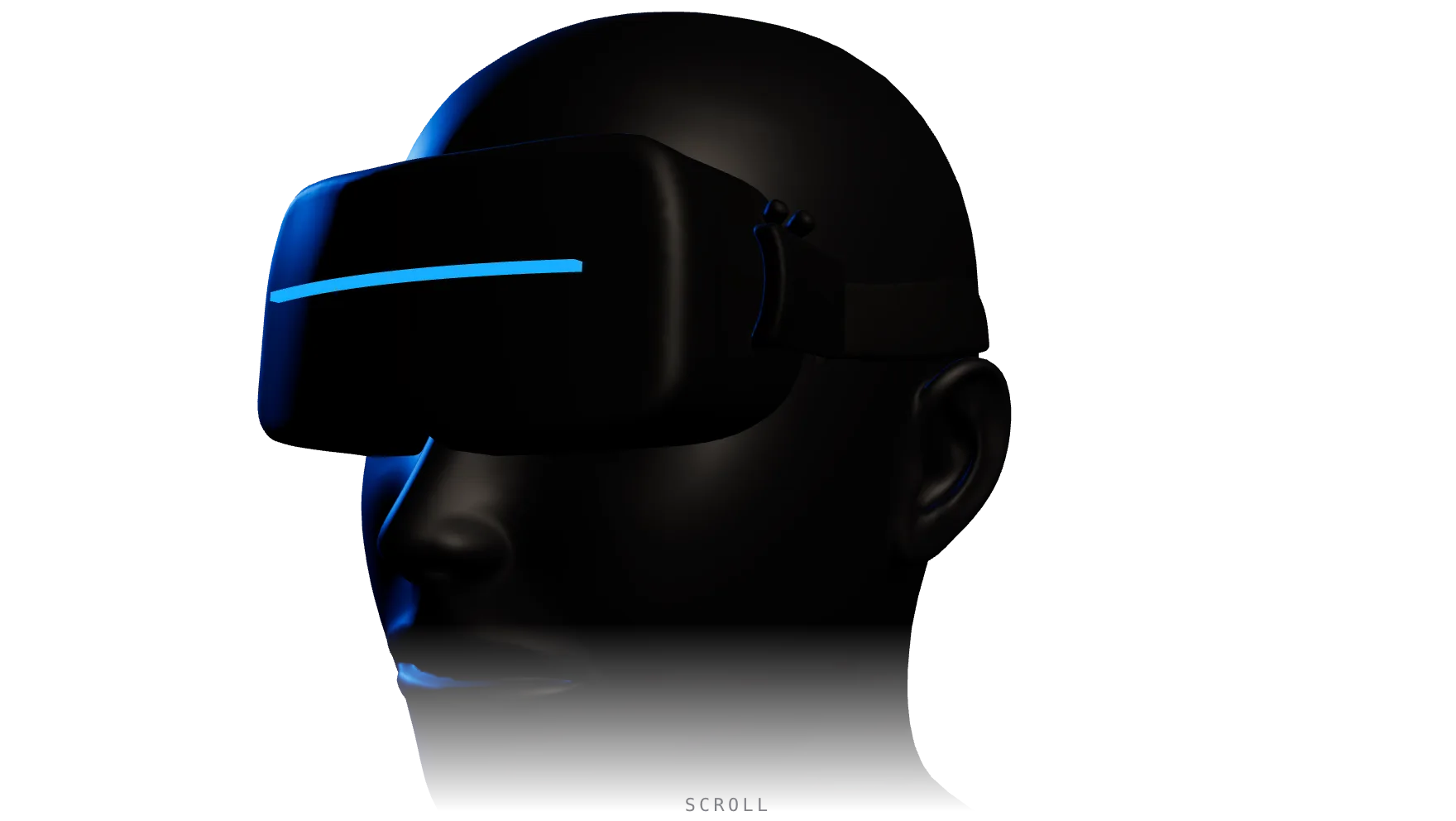
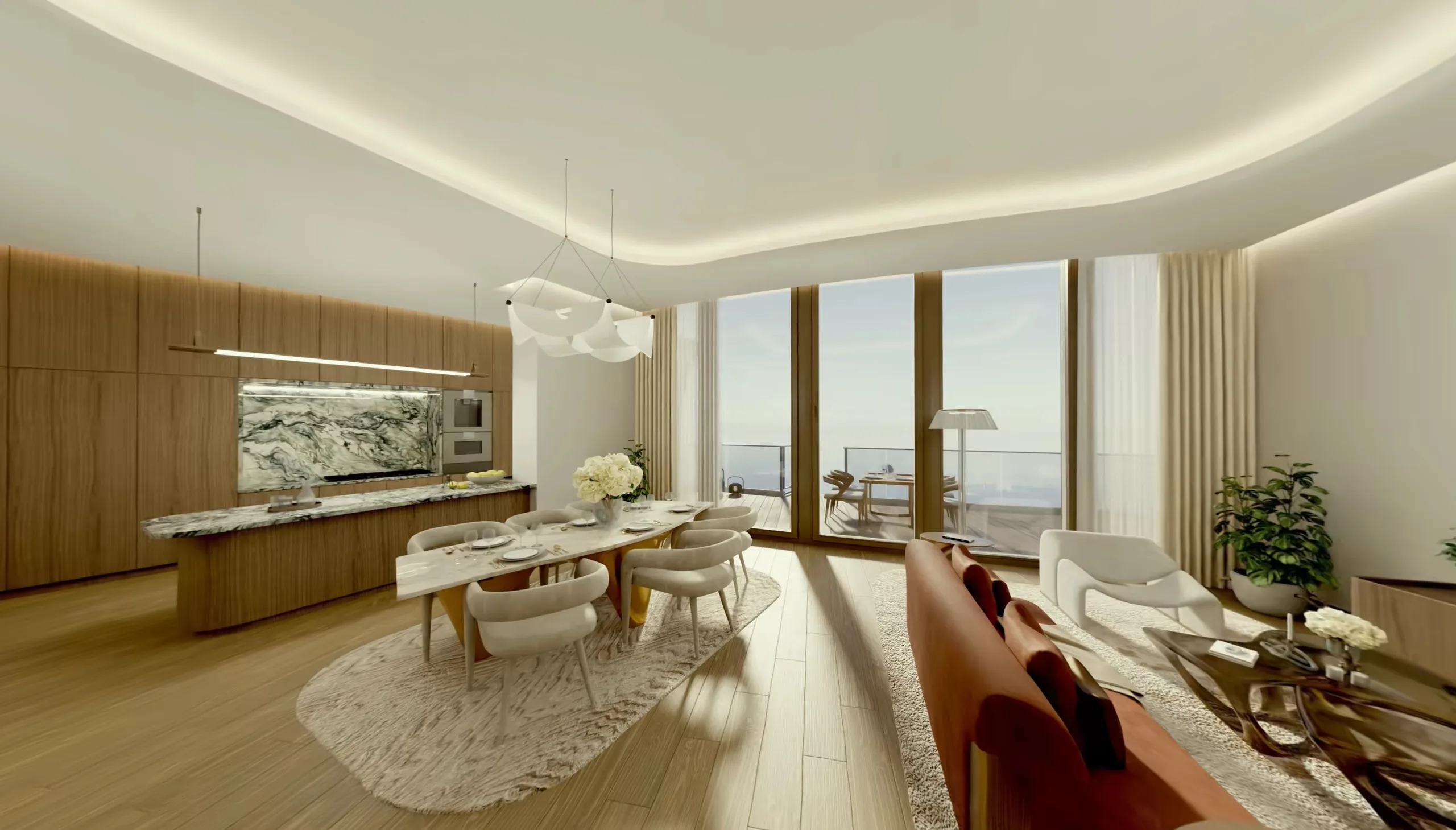
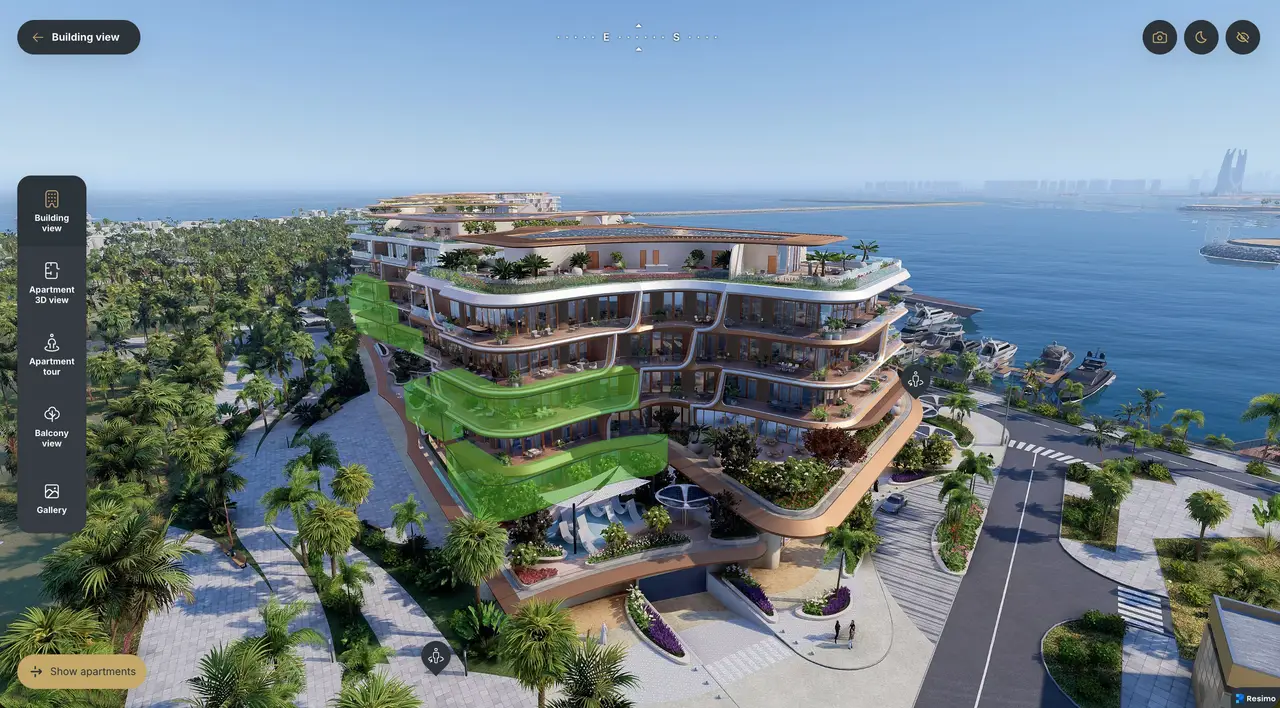
Photoreal 360 scenes of the apartment, the balcony view and the whole development - in a browser, on any VR headset.
Three places every buyer wants to visit
The VR mode opens straight from your sales application - the same one that runs your listings and availability.
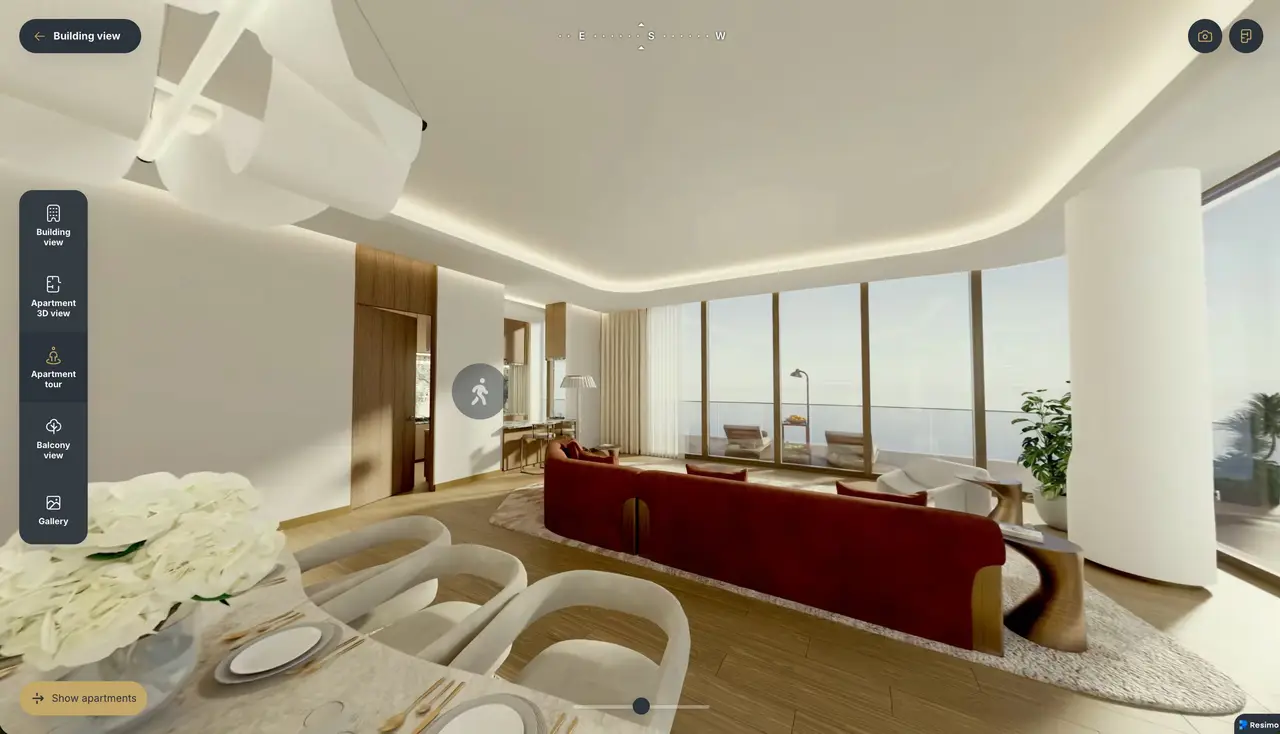
Stand inside the apartment
Floor plans ask buyers to imagine. VR puts them in the middle of a photoreal 360 scene of the apartment - at eye level, with the finishes and the light. The viewing happens before the building stands.
- Photoreal 360 scenes rendered from your project
- Hotspots lead the buyer from room to room
- Opens with one tap from the apartment card
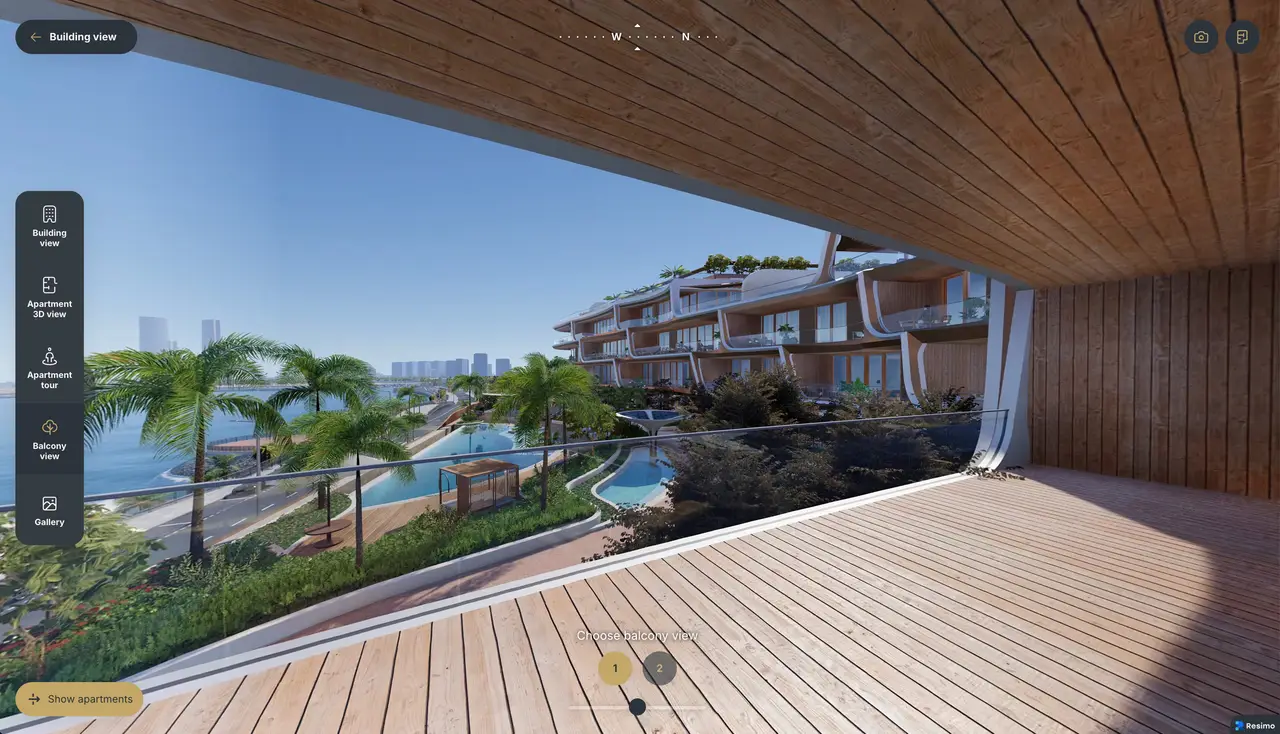
The view from their balcony
The question every buyer asks - what will I actually see? - answered with the outlook from the chosen apartment. Light, skyline and surroundings, checked long before the handover.
- The real outlook from the selected unit
- Strong argument for upper floors sold off-plan
- Compass keeps the orientation honest
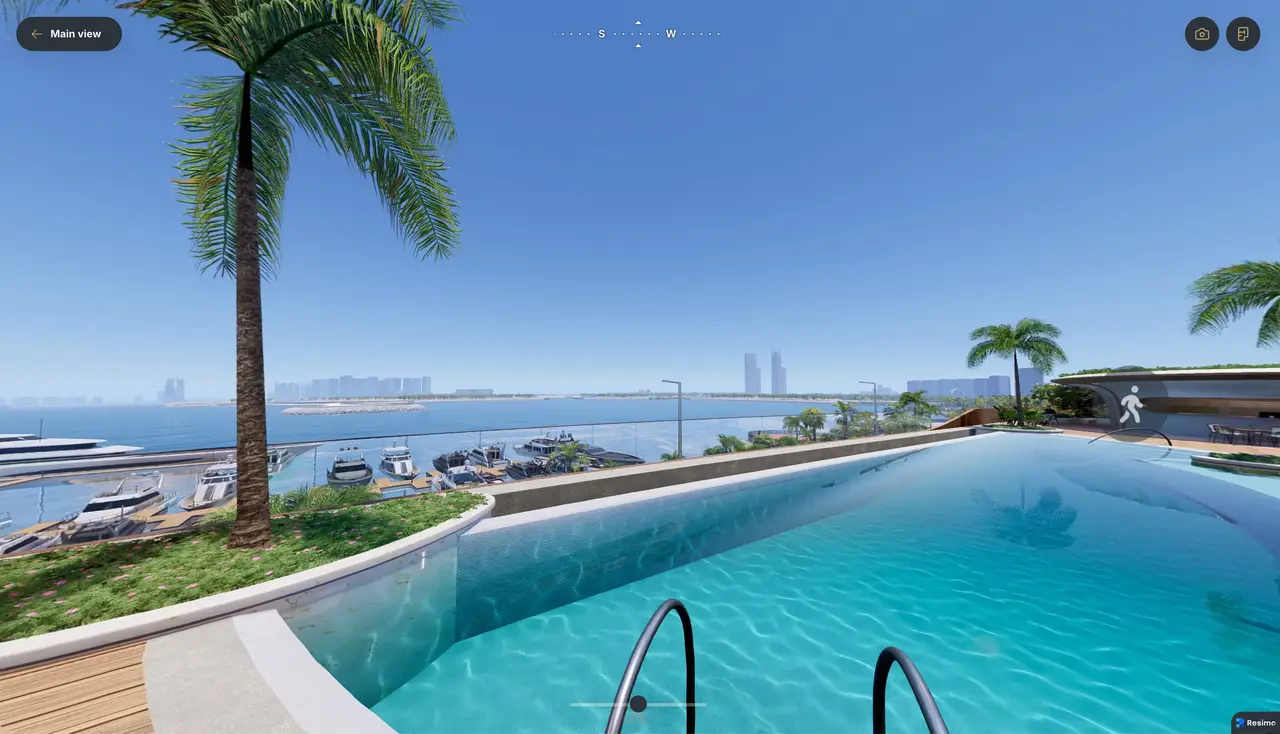
Walk the development
Courtyards, entrances, amenities - buyers move viewpoint to viewpoint through 360 scenes of the whole investment and feel the scale of the place, not just of one floor plan.
- Ground-level 360 scenes across the estate
- Amenities and common areas included
- Works for a sales office pitch and self-serve on the website
Works on the headset you have
The VR mode presents 360 photography, so it stays light: it streams in a browser, starts in seconds and is not locked to any brand of hardware. No app store, no cables, no setup on your side.
A mode of your sales app, not another system
VR ships inside the same All-in-one web application that runs your listings, 3D views and availability. One link for the sales office, one embed on the website - and every VR session lands in the same analytics as the rest of your traffic.
Try it yourself, right now
The exact experience your buyers get. Open the demo development, pick an apartment and press the VR button in the top-right corner.
The demo did not respond - it runs on our staging environment. Open it in a new tab instead.
Open the demo in a new tabBring VR to your development
Write to us. We will prepare a VR demo based on your project and show it on your hardware or ours.
Prefer e-mail? hello@resimo.com
Thank you!
We will get back to you within one business day.